Blog
All Blog Posts | Next Post | Previous Post

 Mapping in Delphi & C++Builder with TMS FNC Maps
Friday, June 19, 2026
TMS FNC Maps has been a cornerstone of cross-platform mapping in Delphi and C++ Builder for several years now, and with the release of v4.6, the API integrations for all major mapping service providers have been brought up to date. Before diving into what changed, this post is also a good opportunity to take a step back and look at everything TMS FNC Maps offers: especially for developers who are just getting started or are looking to get more out of their existing setup.
What is TMS FNC Maps?
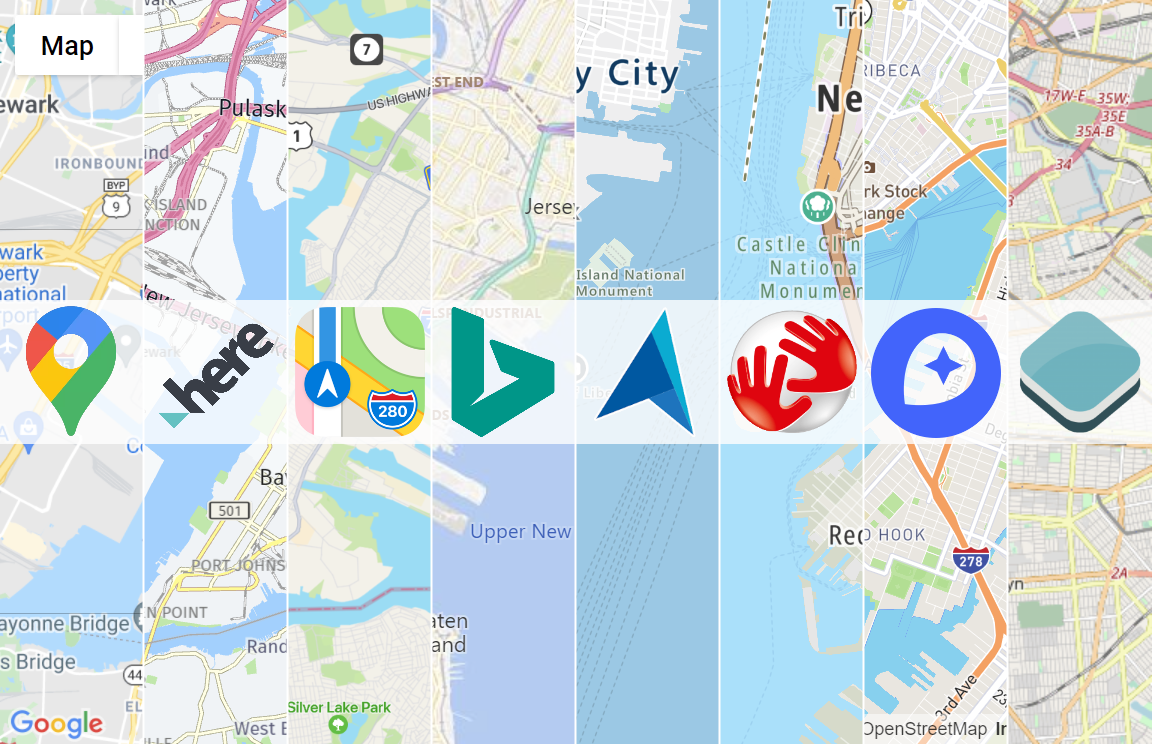
TMS FNC Maps is a cross-framework, cross-platform and cross-service mapping component library for Delphi and C++ Builder. The core idea is simple but powerful: you should never be locked in to a single mapping provider. Switching between mapping services requires nothing more than changing a single property: no code changes, no component swaps, no rewrites.
The library currently supports the following mapping services:
 Google Maps |  Here Maps |  Microsoft Azure Maps |
 MapBox |  Leaflet |  OpenLayers |
 Apple MapKit |  TomTom |  OpenStreetMap Nominatim |
 OpenRouteService |  GeoApify |
TMS FNC Maps targets VCL, FireMonkey and TMS WEB Core and runs on Windows, macOS, iOS, Android and all major browsers. Write your mapping code once and deploy it everywhere.
Feature highlights
Markers, shapes and overlays
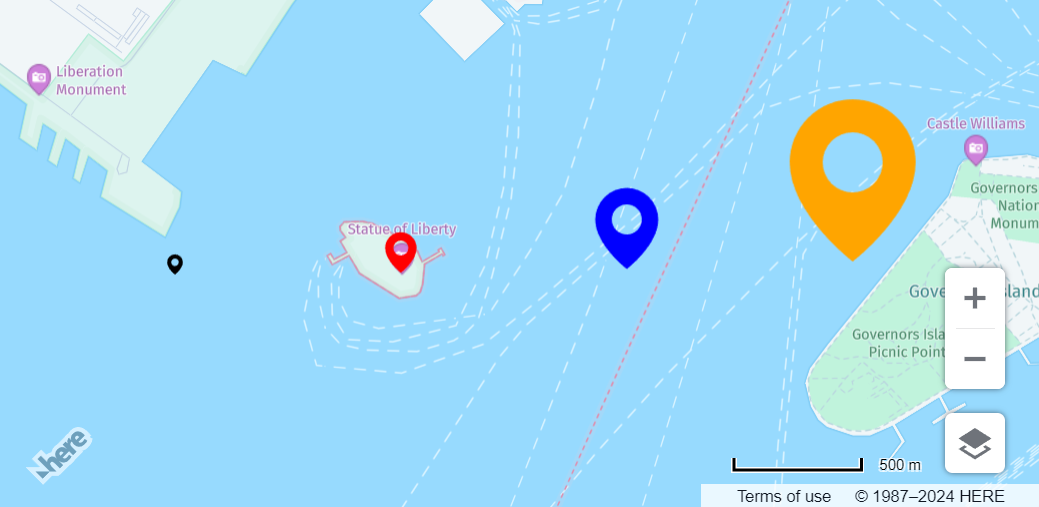
Add markers, polylines, polygons, circles and rectangles to any map with just a few lines of code. Custom styled HTML/JavaScript overlays allow you to design fully interactive elements that sit on top of the map. Marker clustering is supported for Google Maps and OpenLayers, keeping your maps clean when displaying large datasets.
Directions and routing
The TTMSFNCDirections component provides route calculation across multiple providers. Travel modes include car, bicycle, walking, public transport and truck (where supported by the provider). Waypoints, optimized ordering and step-by-step turn instructions are all available, and results can be displayed directly on the map.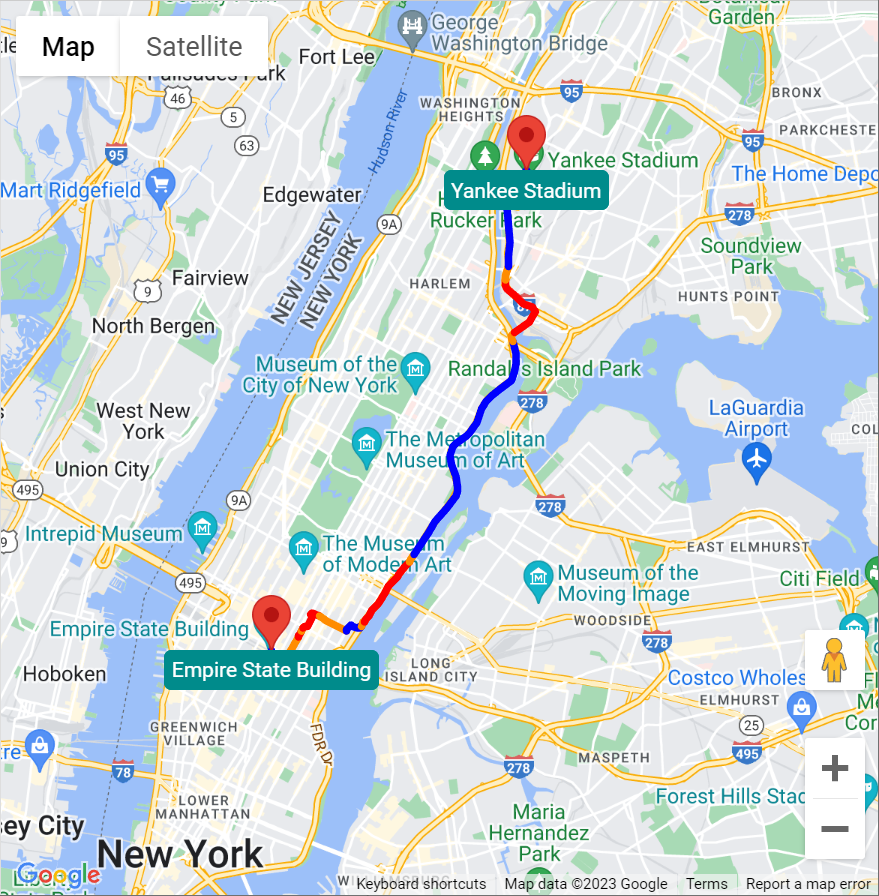
Geocoding and reverse geocoding
TTMSFNCGeoCoding handles address-to-coordinate and coordinate-to-address lookups across all supported providers. Switching providers for geocoding is, again, just a property change.
GPX and GeoJSON support
TMS FNC Maps includes built-in support for importing and exporting GPX and GeoJSON files. This makes it straightforward to visualize routes from fitness trackers, navigation devices or any other standard source.
Static maps
The TTMSFNCStaticMap component retrieves a static map image for a given location, zoom level and map type. The resulting image can be displayed using the companion TTMSFNCMapsImage component. Useful for reports, thumbnails or any context where an interactive map is not required.
Additional data components
TTMSFNCTimeZone: retrieves timezone information for a coordinateTTMSFNCTollCost: calculates toll costs along a route with per-segment detailTTMSFNCElevation: retrieves elevation data for a path or set of coordinates
Custom tile servers
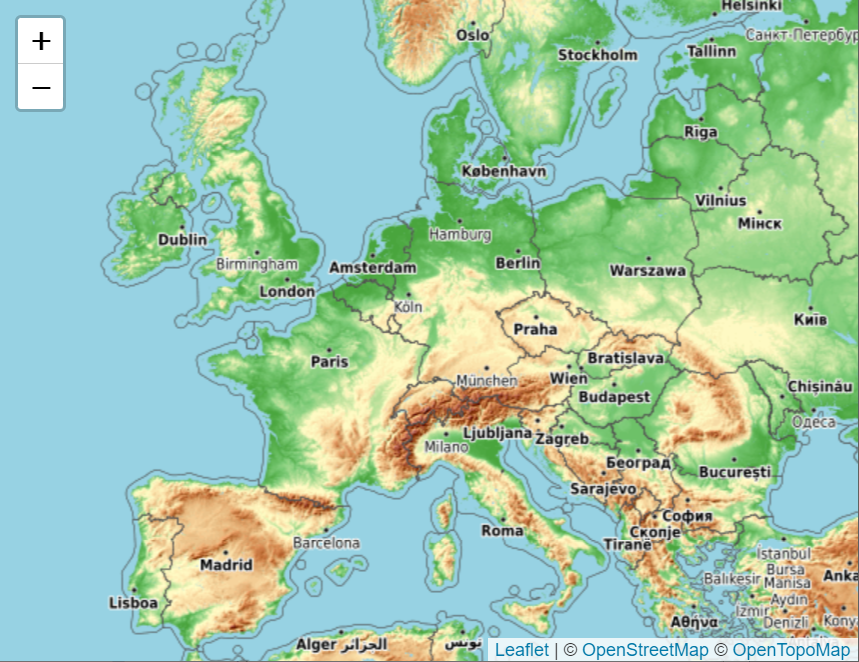
For OpenLayers and Leaflet, custom tile servers can be configured. This opens up use cases with private mapping infrastructure, satellite imagery providers or specialist geographic data services.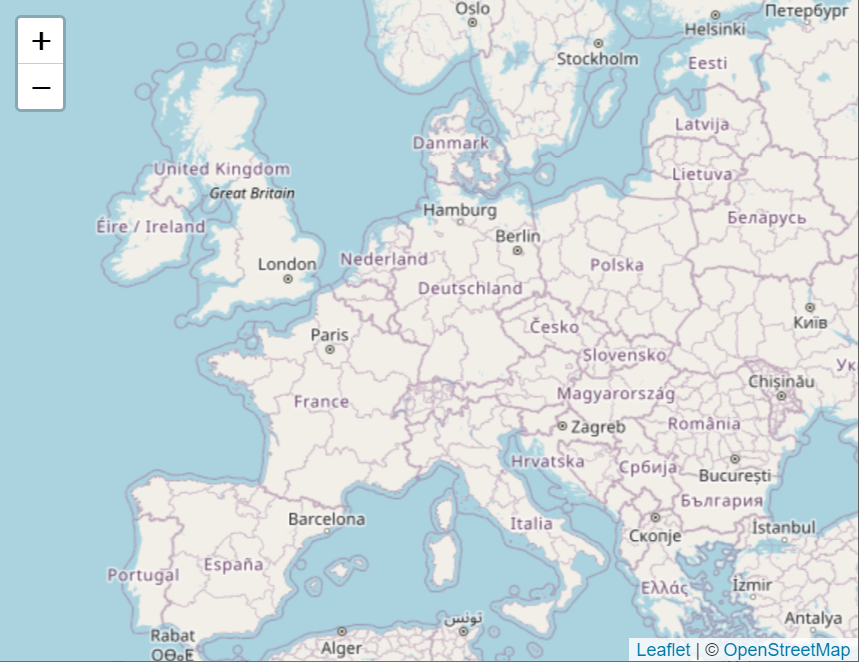
News
API versions updatedMapping providers do not stand still. They continuously release new API versions with improved endpoints, tighter security requirements and better data quality, while phasing out older versions. Keeping TMS FNC Maps aligned with these changes is essential to ensure your applications keep working reliably.
In TMS FNC Maps v4.6, the following service integrations have been updated:
- HERE Maps: updated to v3.2
- MapBox: updated to v3.24.0
- Azure Maps: updated to v4
- OpenLayers: updated to v10.9
TTMSFNCGoogleMaps always uses the latest available Google Maps JavaScript API version automatically. If needed, a specific API version can be assigned manually to pin your application to a known-good version.
All other supported services have also been reviewed and confirmed compatible with their current API endpoints.
These are behind-the-scenes updates. Existing code using TMS FNC Maps requires no changes. Simply update to v4.6 and your application will automatically benefit from the current API integrations across all providers.
Resources
There is a wealth of material available to help you get the most out of TMS FNC Maps.
Documentation
- Full online documentation is available, it covers getting started, component reference and code examples.
- API key setup for each provider explains how to register your application so you can obtain an application key
Blog posts
A large number of dedicated blog posts covering TMS FNC Maps have been published on the TMS Software blog, ranging from first steps to advanced topics. A few highlights:
- Comparing mapping services in TMS FNC Maps for Delphi
a practical guide to choosing the right mapping service for your application - Comparing directions services in TMS FNC Maps for Delphi
an in-depth look at the directions services supported across providers - Comparing geocoding services in TMS FNC Maps for Delphi
a side-by-side comparison of geocoding capabilities per service - Using Consistent and Customizable Markers in TMS FNC Maps
how to go beyond default marker icons with fully custom styles - Visualize your routes with TMS FNC Maps
a practical project using Google StreetView and GPX route data - Simplify Mapping Across Platforms with TMS FNC Maps
a broad overview of combining mapping services
Browse all TMS FNC Maps blog posts here.
Videos
A growing library of video tutorials covering TMS FNC Maps is available on the TMS Software videos page. Highlights include:
- Maps with Delphi using TMS FNC Maps
an extensive multi-part series by César Cardoso (Code4Delphi) covering installation, setup, practical examples and more - Gjalt's 101: Find your way in TMS FNC Maps
a beginner-friendly introduction - TMS FNC Maps: Support for Leaflet
a walkthrough of integrating Leaflet for Windows and web applications - Fixing Google Maps API Errors in Delphi Applications with TMS FNC Maps
learn how to fix Google Maps API errors in Delphi applications with this quick guide
Book
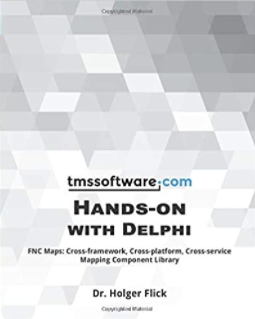
For a deep dive, the book Hands-on with Delphi: FNC Maps by Holger Flick is available on Amazon. It covers the component library in detail with practical examples and is highly recommended for anyone looking to build serious mapping applications.
Support
If you have any questions or run into anything after updating, the dedicated TMS FNC Maps support category is the right place to go.
Getting the update
TMS FNC Maps v4.6 is available now. All license holders, including TMS ALL-ACCESS and TMS FNC Component Studio subscribers, can install the update directly via TMS Smart Setup.
Not yet a customer? Discover TMS FNC Maps and start with a free trial.
Bart Holvoet

This blog post has not received any comments yet.
All Blog Posts | Next Post | Previous Post