Blog
All Blog Posts | Next Post | Previous Post

 Simplify Mapping Across Platforms with TMS FNC Maps
Monday, March 23, 2026
What if you could build mapping applications that are completely free from provider limitations? With TMS FNC Maps, you can. This flexible, cross-platform component gives you the freedom to integrate, mix, and switch between the world’s leading mapping services with zero code changes. From Google Maps and Apple Maps to OpenStreetMap, Azure Maps, Here Maps, Leaflet, OpenLayers, TomTom, GeoApify, OpenRouteService, and MapBox, TMS FNC Maps puts all your favorite mapping technologies within reach.
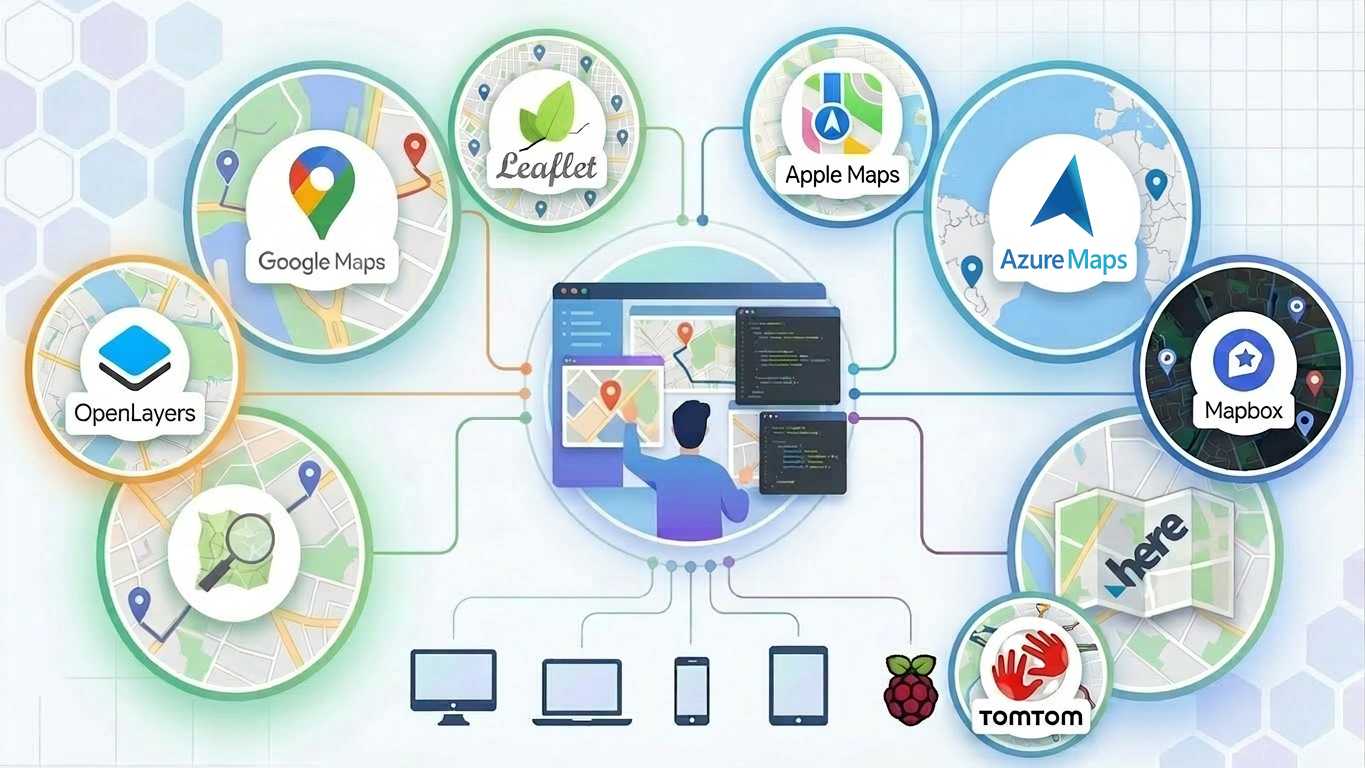
One component, unlimited possibilities
Develop once and run anywhere. Whether you are creating a VCL, FMX, or TMS WEB Core application, TMS FNC Maps works seamlessly across all platforms. You can start coding on Windows, continue on macOS or Linux, or deploy it to the web using the same code and the same component.
Its real strength is the ability to combine the best features of different providers.
For example:
- Use route directions from Google Maps together with the elegant visual design of Apple Maps
- Display OpenStreetMap tiles enriched by traffic data from Azure Maps
- Overlay TomTom traffic information on MapBox satellite imagery
- Combine Here Maps toll cost calculations with OpenLayers interactive polygons for route planning
- Blend Leaflet markers with GeoApify geocoding for precise location search
With TMS FNC Maps, you can shape the user experience exactly the way you want by freely mixing services and capabilities.
Works everywhere, even on Raspberry Pi
TMS Miletus, part of TMS WEB Core, makes it possible to create Delphi-based desktop applications that run directly on the Raspberry Pi. Even better, these applications can access connected hardware devices, giving you endless possibilities for creative and interactive projects that combine software and electronics.
Want to explore TMS Miletus in detail? Check out more information here.
Why Developers Love It
- Instant switching between multiple map providers
- Unified API across all supported frameworks
- Code once and deploy to desktop, web, mobile, or embedded apps
- Freedom to combine features from any mapping service
- Advanced customization with layered interactivity and thematic control
Ready to Explore?
An absolute must-see for anyone interested in mapping with Delphi is the video series “Maps with Delphi using TMS FNC Maps” by Code4Delphi.Discover how TMS FNC Maps helps you go beyond the limits of a single mapping provider. Try it today and see how easily you can switch, integrate, and innovate. TMS FNC Maps is available starting at 240 EUR.
Learn more about TMS FNC Maps and get started here.
Aaron Decramer

This blog post has not received any comments yet.
All Blog Posts | Next Post | Previous Post