Blog
All Blog Posts | Next Post | Previous Post

 TMS FNC Localization 1.0 Is Ready to Translate Your Application
Today
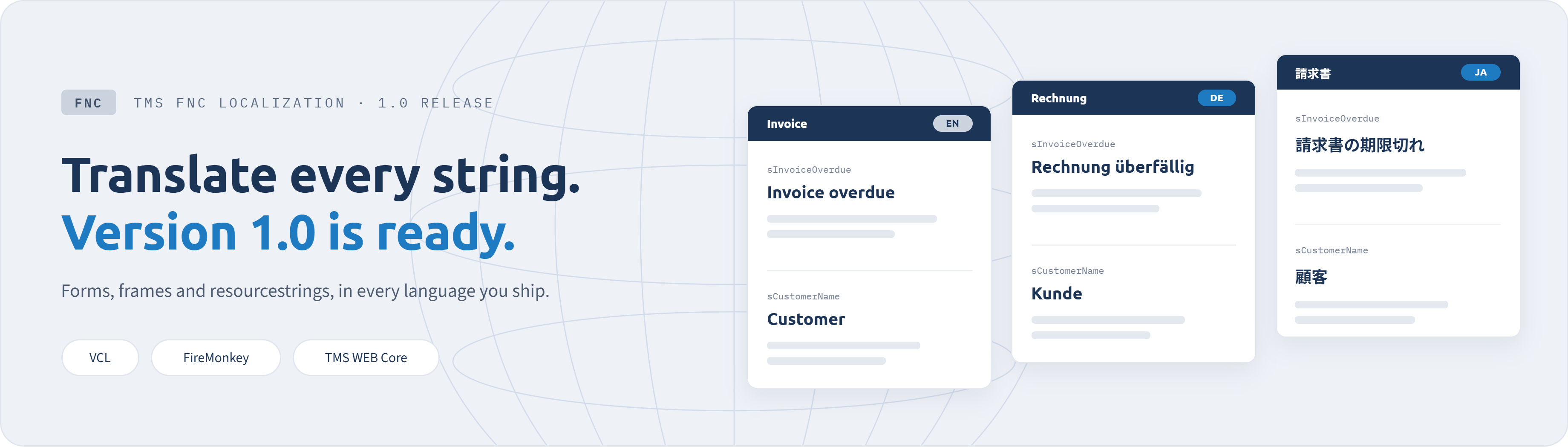
Collect, translate, apply. That was the promise when we introduced TMS FNC Localization as a BETA. A few months, a long list of improvements and a lot of user feedback later, we are happy to announce that TMS FNC Localization 1.0 is released!
Let's take this moment to look back at what the product does, what changed on the way to 1.0, and where it could go next.
Simplified to Three Steps
Adding languages to a Delphi application can be surprisingly complex. We broke this flow down into three easy-to-follow steps: finding every text, keeping the translations organized, and getting the right language on screen. TMS FNC Localization gives you a component for each of them.
Between those steps sits a part that is easy to underestimate: validation. Format specifiers, placeholders, accelerator keys, line breaks and whitespace are checked on every translation, whoever or whatever produced it, and plural forms are handled per language. This automatic validation mechanism makes sure nothing is quietly lost or added that would turn a translation into a broken string at run time.
New Project or Existing Codebase
In a new application you can plan for localization from the beginning. TTMSFNCLocalizationStringCatalog keeps the texts your code produces in one place from day one, and every form is collected as you build it.
However, the more common case is the application that has been running for years, its captions, messages and dialogs spread across every corner of the project. You do not have to hunt them down. AnalyzeApplication walks your forms, frames and data modules through RTTI and builds the translation project in one pass, without changing a line of your source. A first pass over a large project might also pick up text no user will ever see, and that is what the exclusion rules are for: exclude by class or by property and every instance in the project follows, or ignore a component or a whole form and anything collected under it later stays ignored too.
TMS FNC Localization keeps working as the application moves on. Add a form or reword an English caption and the next collection picks it up, the Languages tab shows how far each language has come, and AI translation only covers what is new or what changed. Keeping your languages current stays a matter of review instead of becoming a project of its own.
From BETA to 1.0
The BETA started as property collection and a translation editor. What arrived since came almost entirely from what people told us was missing in their own projects:
- Resourcestrings are collected too. Switch on the compiler's .drc output and the resourcestrings from your own units show up in the editor beside your forms, translated like any other text. No source parsing, and nothing extra at run time.
- The editor speaks your language. At design time it follows your IDE language or you can pick one of the built-in languages at run time. With AllowCustomTranslation you can translate the TTMSFNCLocalizationEditor through your own application's translations!
- LANG file support. We added an option to export one file per language that you can hand to one translator and review on its own in a pull request. Your code stays the same either way.
- Workflow improvements. Translation files are generated in and loaded from the project folder when you run from the IDE, the ComboBox can offer System language, and the editor gained an Info tab for diagnostics on your project.
- And a long list of fixes. Alongside the new features, every BETA release carried corrections and improvements for issues that came up while people were putting the product to work on their own applications.
Translating a Real-World Application
TMS FNC Localization did not start life as a product. Erwin Denissen needed to localize FontCreator, the font editor from High-Logic, found no tool that matched the workflow he had in mind, and built his own. That work is what we shaped into the product together, and it is still what runs FontCreator today.
Erwin walks through how he works with it in a guest article: how the forms were prepared, how unfinished languages stay hidden from users, how regional variants only carry the texts that actually differ, and what the AI translation step does and does not do for you. If you are about to start your own translation project, a few of his points are worth repeating here:
How to Get Started
To help you get started, demos and full documentation are included, for VCL, FMX and TMS WEB Core, in Delphi and C++Builder, on RAD Studio 13 Florence, 12 Athens and 11 Alexandria.
What is Next
Localization requirements differ enormously between applications, and nearly everything that was added during the BETA exists because somebody described a workflow we had not covered yet.
Tell us which format you need to exchange with your translators, which text in your application the collector still does not reach, which part of the editor slows you down. That is what decides where this product goes next!
Thanks to everyone who tried the BETA, reported issues and told us what they needed, and a special thanks once more to Erwin Denissen, without whose work and experience this product would not exist.
We are looking forward to seeing what you build with it, and in how many languages!
Tunde Keller

This blog post has not received any comments yet.
All Blog Posts | Next Post | Previous Post