Blog
All Blog Posts | Next Post | Previous Post

 TMS Dashboard updated with TMS Smart Setup v3.3 support
Today
We are pleased to announce the release of TMS Dashboard v1.4.0.0. TMS Dashboard is a free utility for TMS Software customers that provides a central hub for managing your TMS component installations, monitoring available updates, and keeping your Delphi development environment in sync. This update delivers compatibility with the latest TMS Smart Setup v3.3 and brings an improved, reorganized options dialog for a more streamlined configuration experience.
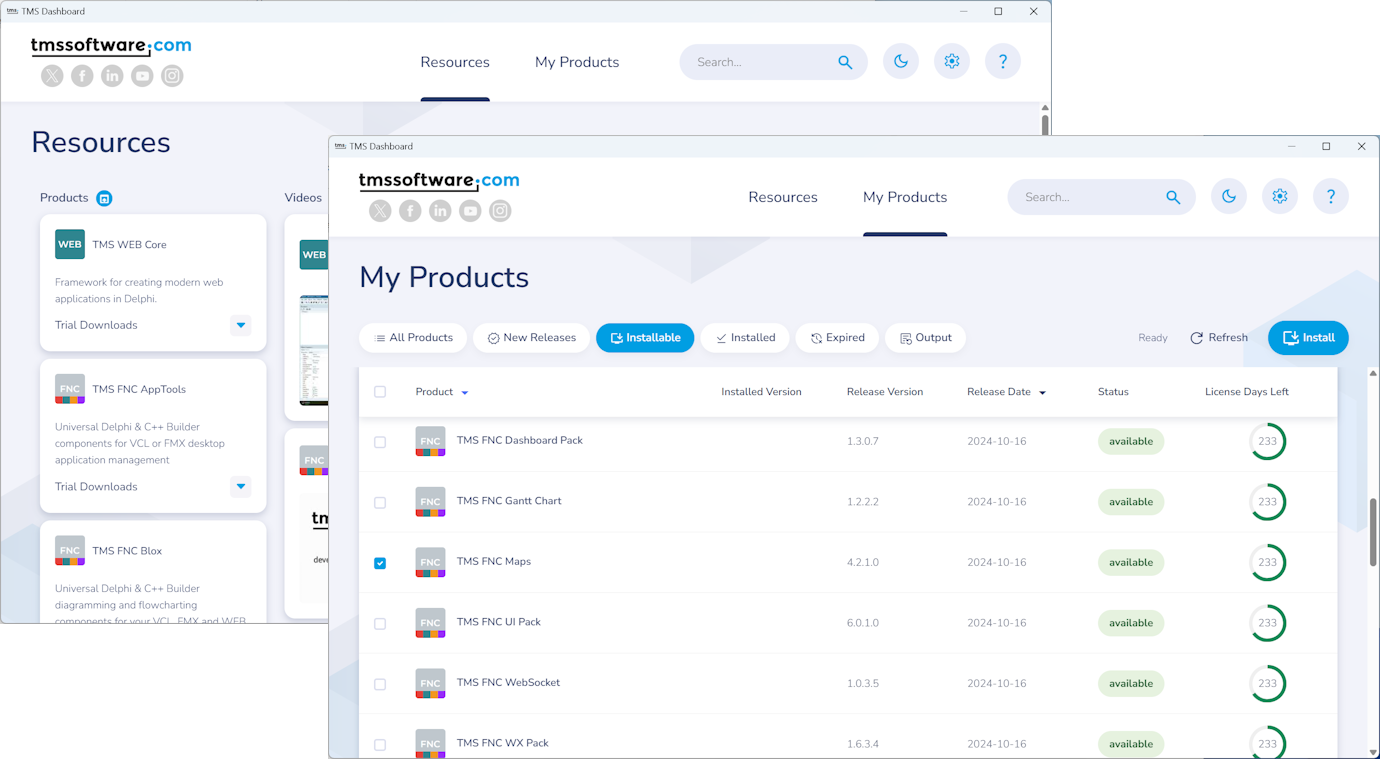
What's new in v1.4.0.0
TMS Smart Setup v3.3 compatibility
TMS Dashboard v1.4.0.0 adds compatibility with TMS Smart Setup v3.3. Since TMS Smart Setup uses an auto-update system, you are always running the latest version automatically. This update ensures TMS Dashboard stays in sync with those automatic upgrades.
For a full overview of what's new in the TMS Smart Setup 3.x series, please refer to the dedicated blog post:
Announcing SmartSetup 3.0… and 3.1… and 3.2… and 3.3!
Reorganized options dialog
The TMS Dashboard Options dialog has been reorganized for clarity. Settings are now grouped more logically across the sidebar navigation, making it easier to find and configure exactly what you need.
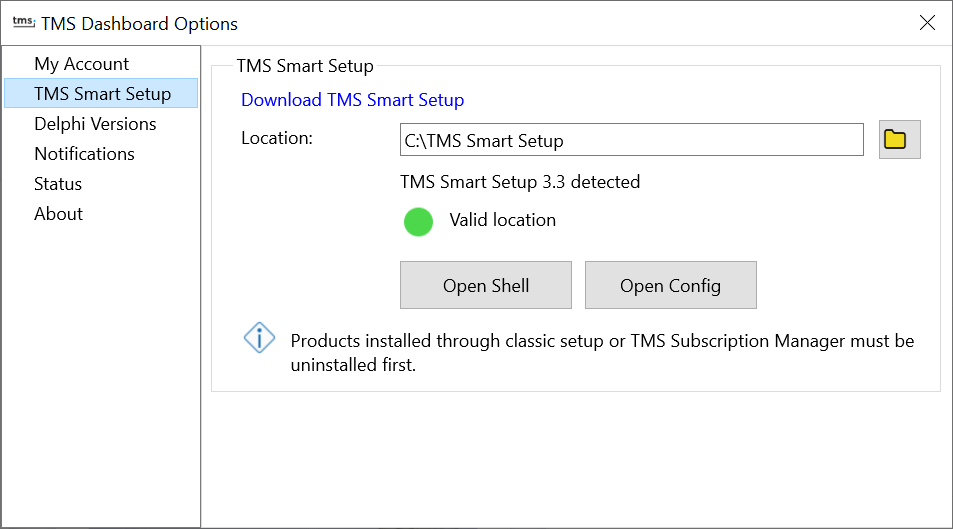
The sidebar navigation now clearly separates the key areas: My Account, TMS Smart Setup, Delphi Versions, Notifications, Status, and About. The My Account section displays a live validation indicator, confirming at a glance whether your email address and registration code are valid. The TMS Smart Setup section indicates if the TMS Smart Setup executable was detected correctly in the provided path.
Getting the update
TMS Dashboard v1.4.0.0 is available now. The update can be downloaded directly via the built-in update link in TMS Dashboard, or from the TMS Dashboard product page.
Bart Holvoet

This blog post has not received any comments yet.
All Blog Posts | Next Post | Previous Post