TAdvStringGrid
Example 26 : Using the ESBPCS edit controls as custom editors in TAdvStringGrid
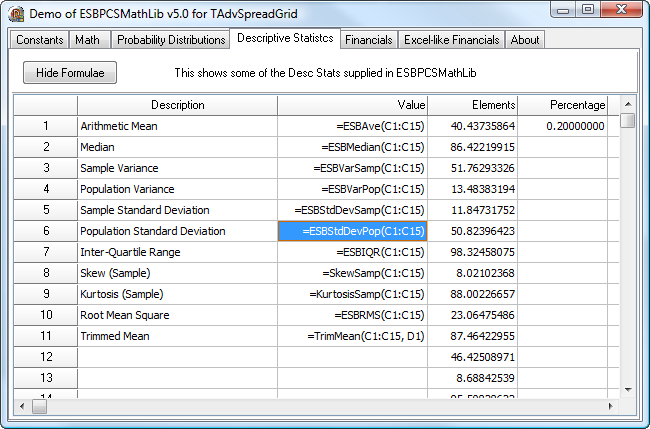 As indicated in example project 24, starting from v1.90 of TAdvStringGrid,
it is possible to use other edit controls as inplace editors for
TAdvStringGrid. This is done through an TEditLink descendant component that performs the communication between the grid and the edit control. TMS software provides these TEditLink components for the
As indicated in example project 24, starting from v1.90 of TAdvStringGrid,
it is possible to use other edit controls as inplace editors for
TAdvStringGrid. This is done through an TEditLink descendant component that performs the communication between the grid and the edit control. TMS software provides these TEditLink components for the ESBPCS suite of edit controls to allow you to use these controls immediately with TAdvStringGrid. If you have installed both TAdvStringGrid and the ESBPCS suite, you can start right away to use these inplace editors. The unit ESBLINKS provides following TEditLink components for the ESBPCS editors :
TESBComplexEditLink
TESBFractionEditLink
TESBFractEditLink
TESBPCSEditLink
TESBPosEditLink
TESBIntEditLink
TESBPosFloatEditLink
TESBFloatEditLink
TESBSciFloatEditLink
TESBPercentEditLink
TESBIPEditLink
TESBHexEditLink
TESBYearEditLink
TESBDateEditLink
TESBTimeEditLink
TESBDateTimeEditLink
TESBSuperEditLink
TESBDOWEditLink
TESBMonthEditLink
TESBCurrEditLink
TESBLongCurrEditLink
TESBCurrencyEditLink
TESBPosSpinEditLink
TESBIntSpinEditLink
TESBFloatSpinEditLink
TESBYearSpinEditLink
TESBMonthSpinEditLink
TESBDOWSpinEditLink
TESBMonthComboBoxEditLink
TESBDowComboBoxEditLink
TESBTZComboBoxEditLink
TESBEMUComboBoxEditLink
TESBCountryComboBoxEditLink
TESBLookUpComboBoxEditLink
An additional unit JPMELINKS provides links for the licensed controls from the JPMOpen components :
TJPMEFontComboBoxEditLink TJPMEColorComboBoxEditLink
Since these TEditLink components are provided, using the controls is straightforward. When the ESBLINKS.PAS and JMPELINKS.PAS unit are installed, all these components are added to the "TMS EditLinks" tab on the component palette. For these ESBPCS controls you want to use as inplace editors, put the appropriate TEditLink component on the form and assign it in the OnGetEditorType event to the grid TEditLink property :
procedure TForm1.AdvStringGrid1GetEditorType(Sender: TObject; aCol,
  aRow: Integer; var aEditor: TEditorType);
begin
  case acol of
  2:advstringgrid1.EditLink := el1;
  3:advstringgrid1.EditLink := el2;
  4:advstringgrid1.EditLink := el3;
  5:advstringgrid1.EditLink := el4;
  6:advstringgrid1.EditLink := el5;
  7:advstringgrid1.EditLink := el6;
  8:advstringgrid1.EditLink := el7;
  9:advstringgrid1.EditLink := el8;
  10:advstringgrid1.EditLink := el9;
  11:advstringgrid1.EditLink := el10;
  end;
  if (acol in [2..11]) then aEditor := edCustom;
end;
Downloads
In order to use the sample project, make sure that TAdvStringGrid v4.0 or higher is installed. Use of this sample applications also requires ESBPCS components v4.0 available at ESB Consult Before opening the project, install the ESBLINKS.PAS components included in the ZIP file.
Note that TMS VCL UI Pack registered users get a 20% discount for ESBPCS ! See registered users page after login for details.
 |
×
![]()